 Skip to content
How to Connect SJCAM SJ6 Ultra to Phone | SJCAM X App Pairing Guide
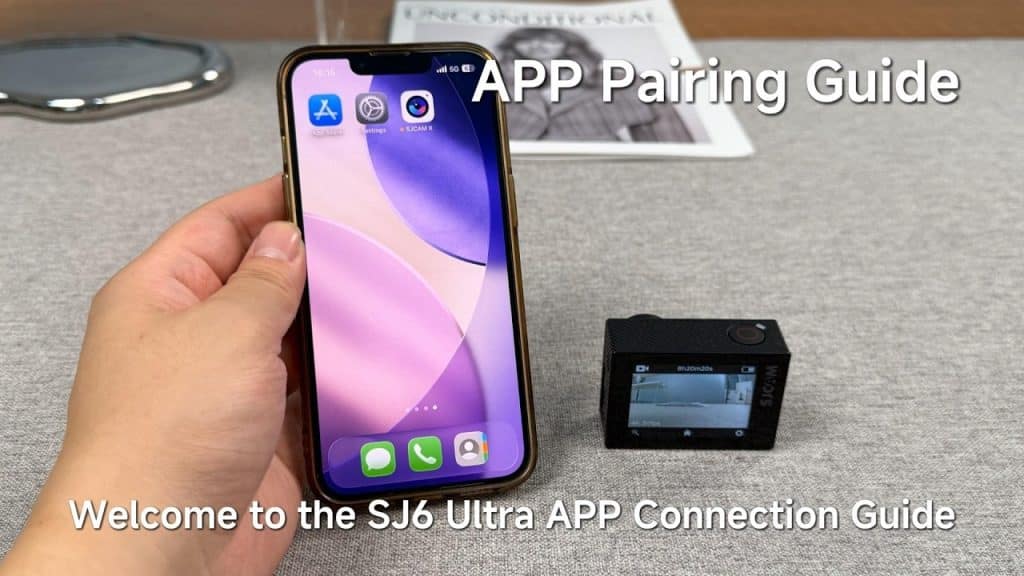
Follow this official guide to pair your SJCAM SJ6 Ultra using one of these three methods: 1️⃣ Bluetooth Connection: The app will automatically search for your camera. Ensure Bluetooth is enabled on both devices for a quick sync. 2️⃣ QR Code Connection: Swipe down on the camera screen to open the Control Center, turn on […]
How to Control SJ6 Ultra with SJCAM X App | Step-by-Step Guide
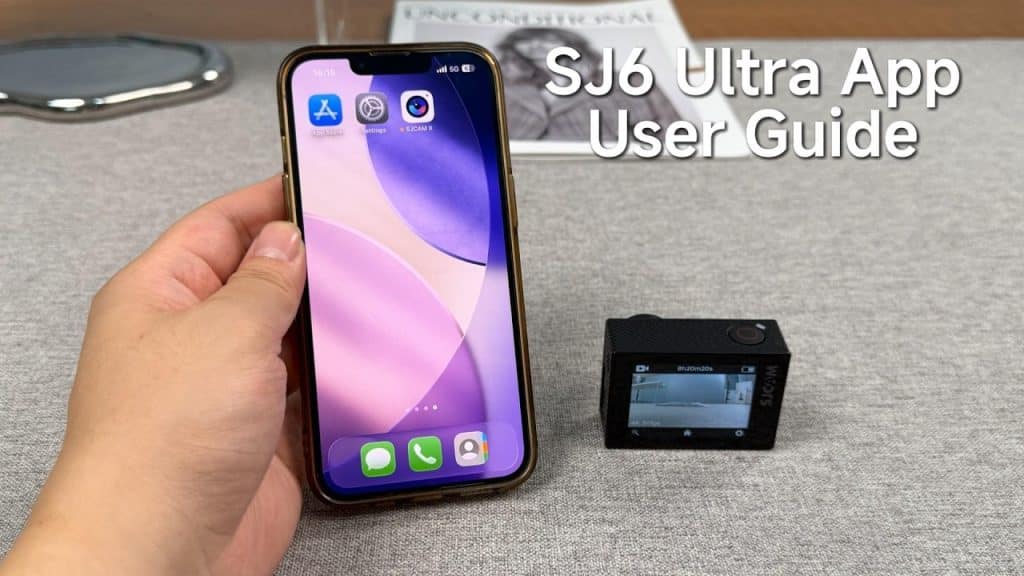
Inside the SJCAM X App Guide: ✅ Ready to Shoot: Make sure you’ve followed our “App Pairing Guide” before starting. ✅ Easy Interface: Swipe left or right on the main interface to quickly toggle between modes. ✅ Pro Control: Tap the settings icon to adjust Image Settings and System Parameters for the best cinematic results. […]
SJCAM SJ6 Ultra Accessories Guide: How to Mount Your Action Camera
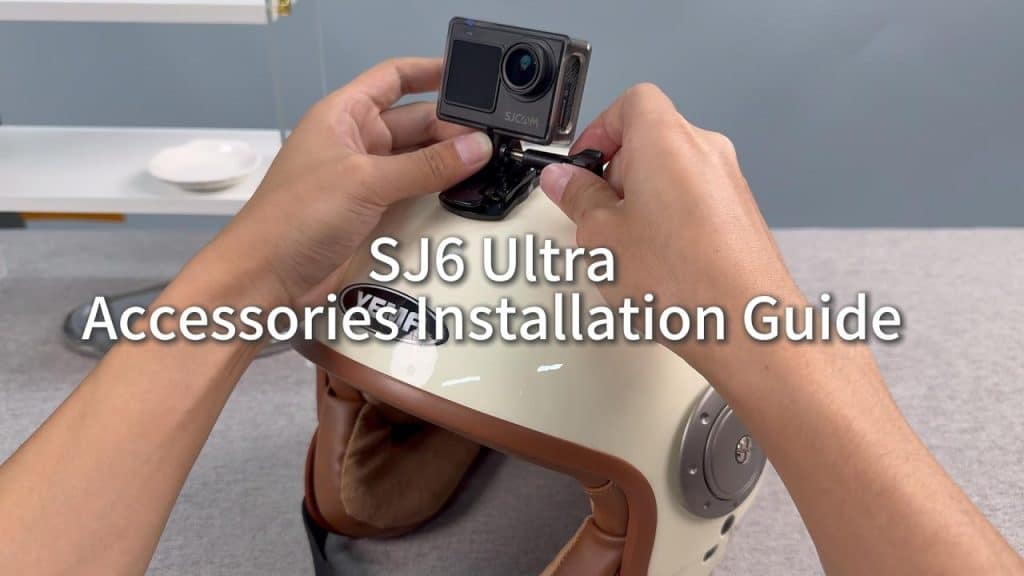
Mounting Options Covered: ✅ Waterproof Case: Learn the correct way to operate the sliding switch and unlock the case safely for the SJ6 Ultra. ✅ Cycling Setup: Step-by-step for both helmet mounts and flexible strap mounts. ✅ Motorcycle Setup: Two methods to secure your camera to the handlebar using the frame mount or direct 1/4″ […]
SJCAM SJ6 Ultra Master Guide: Setup, App Pairing & Advanced Features (Full Tutorial)
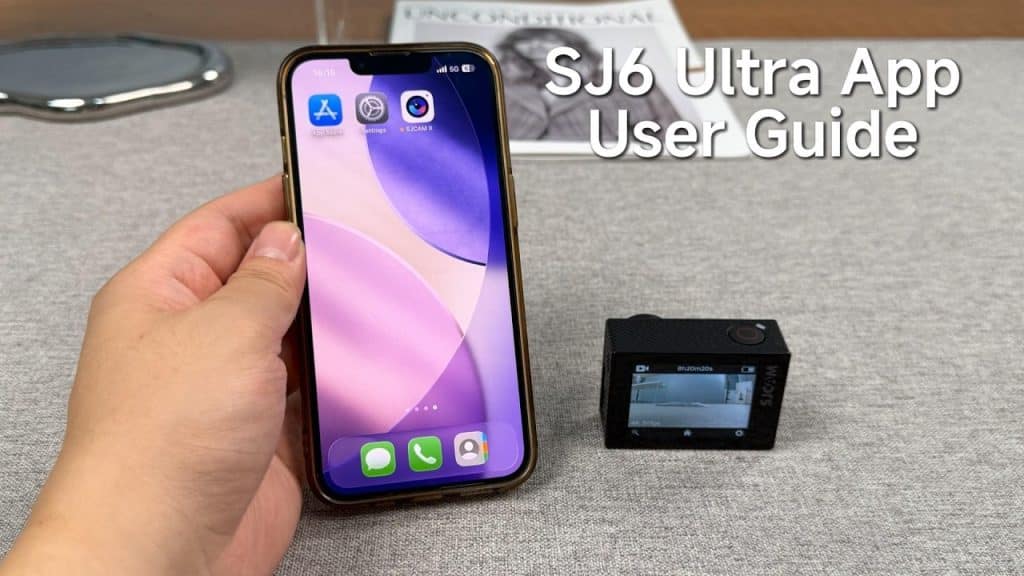
Key Features Covered: ✅ SJCAM X App Pairing: We walk you through Bluetooth, QR Code, and manual Wi-Fi connection . ✅ Audio Pro: How to pair the M4 wireless microphone for crystal clear sound. ✅ Vertical Content: Enable “Non-destructive Vertical Screen” for native TikTok and Reels content. ✅ Pro Operations: Swipe gestures, Control Center access, […]